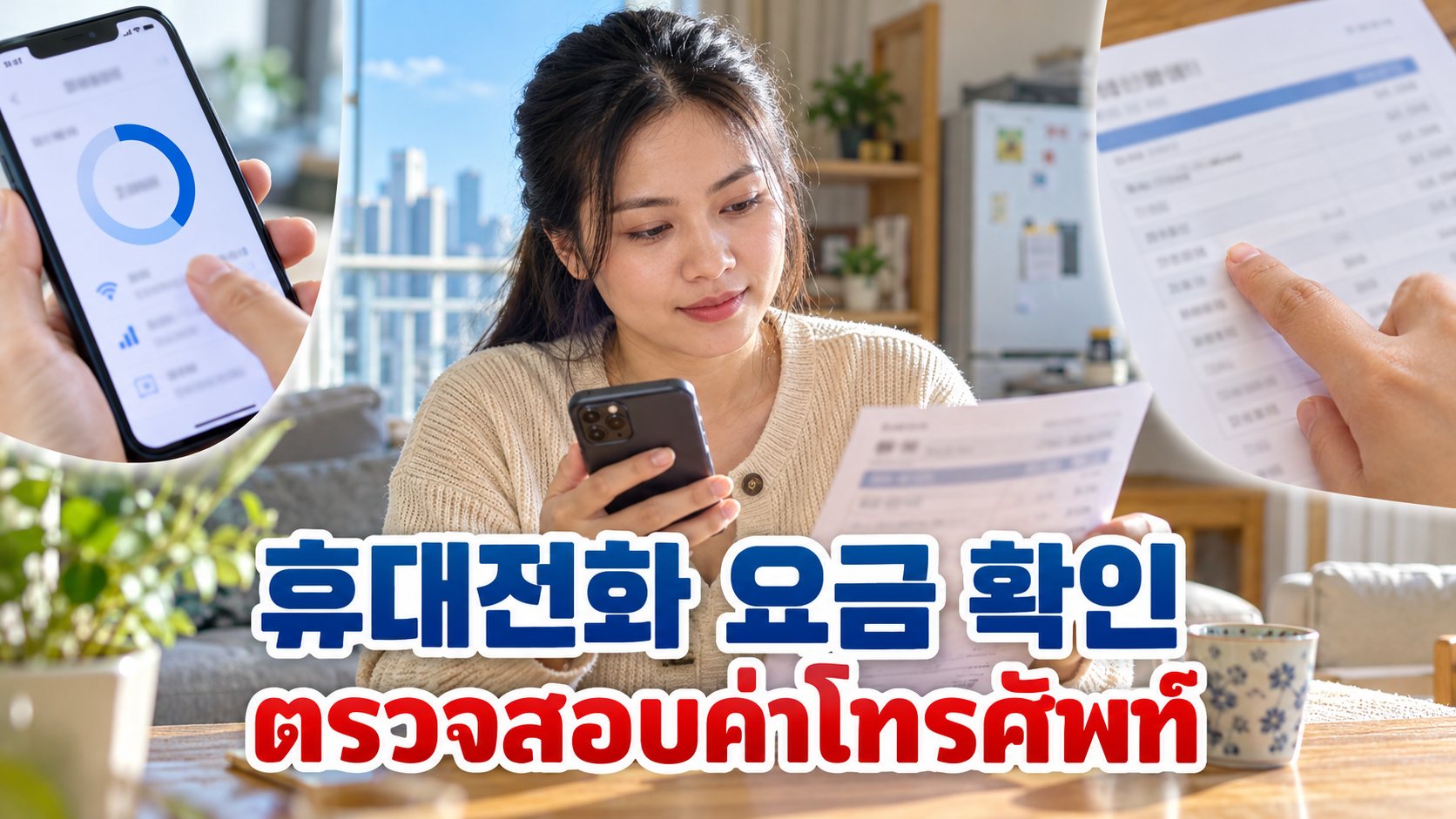
After activating your cell phone, you should be able to check how much you spend each month and how much data you have left. Just because the monthly fee you were told when signing the contract is different from the actual payment amount does not mean that you were billed incorrectly. Check whether installments or additional usage fees for the mobile phone device are included, and whether the promised discount has been applied. Conversely, you should not assume that all items are correct just because an automatic transfer was made.
This article is a confirmation procedure for those who have started using a mobile phone in Korea. To check the subscription conditions first Practical Life in Korea Part 3: Things to Check Before Activating a Cell PhoneRead together. This article explains common items to check across multiple carriers. Please check the official information of the company you signed up for for actual menu names and applicable conditions.
1. Prepare before opening your bill
Prepare your mobile phone device, contract or rate plan information you received when signing up, recent bill, and actual withdrawal or card payment details. First, check if the data is from the same mobile phone number. Also check some of the names and numbers to avoid confusing your family or coworkers' statements with yours.
If you don't remember the name of the company you signed up with, check your contract and invoice. Budget phone communication service is provided by borrowing another company's mobile communication network. Therefore, since the name of the communication network you use and the name of the company you actually contract with may be different, it is better to start with the company that issued the bill when inquiring about charges. If you do not have the app, please find customer app instructions on the official website indicated on your invoice or contract. You can reduce confusion about the search path by opening the official app directly rather than blindly clicking on the link sent by text.
2. The items to check are different for prepaid and postpaid.
If you use a prepaid mobile phone plan, check the record of prepayment of communication charges, unused prepaid balance, remaining talk time, number of texts, data capacity, available period, and conditions for additional payment. You should not assume that you can use it forever just because you have a balance. For example, the prepaid information of telecommunication company 프리티(freeT) separately lists usage period and expiration conditions depending on the recharge amount. Don't apply the same dates or conditions to other companies; check their product descriptions. 프리티(freeT) Prepaid usage guide (PDF)
Postpaid usersCheck the amount charged, payment due date, and details of payments already made. Distinguish between the estimated usage fee and the confirmed invoice on the data inquiry screen, and also read which usage period the invoice corresponds to. If you are not sure whether the product you are currently subscribed to is prepaid or postpaid, do not arbitrarily recharge or repay; check with the subscription company first.
3. Read billing month, usage period, and payment date separately
The billing month is the month in which the statement is issued, the usage period is the period during which the fee was calculated, and the payment date is the date on which payment is due. If you look at the three items as having the same meaning, you may incorrectly compare this month's usage with the billing amount from the previous usage period. Like the terms of KT M모바일, there is a method of billing the fees incurred in the relevant billing month in the following month, so check the date written on your statement first. KT M모바일 Terms of Use: Billing/Payment
If it is the month you first opened the service or changed your rate plan, make a note of the change date. You can check whether the same conditions were used for the entire month and then ask if there are any items calculated separately. Check your automatic transfer account or card as well, but don't just look at the billing amount and judge that the payment has been made. Check the actual payment details as well.

4. Check the details before the total amount
와이즈유저, a broadcasting communications user information portal, guides you to compare contract details and actual billing details and check whether unsubscribed additional services or unused small payments are included. Read the statement in the following order: 와이즈유저 Mobile phone usage guide
- Plan basic fee: Check that the rate plan name written on the contract is correct.
- Additional usage fees: Check to see if you have used calls, texts, data, international calls, or roaming in excess of the amount included in your plan.
- Installment of mobile phone device cost: Telecommunication service usage fees and mobile phone device costs are separate.
- Additional services/small payments: Read the service name and amount and check whether it is something you applied for or used.
- Discount/Tax/Unpaid Indication: Compare the promised discount with the final payment amount and check to see if any unpaid charges from the previous billing period are included in this billing amount.
Don't cross out or guess anything you don't know, just mark it. Even if you don't have a mailing statement, you can check it at your carrier's website, customer center, or agency. If you don't understand the text, ask about the form of statement you can receive. 와이즈유저 Bill confirmation information
5. Check remaining data on your carrier screen
Open the usage inquiry screen on the official app or website of the telecommunication company you signed up with. Check the amount of data included in the plan, the amount of data already used, the amount of remaining data, and the data usage period. You must check the product terms to see whether speeds are lowered, usage is limited, or additional charges are incurred after using up all of the plan's basic data capacity. Don’t judge the terms of use in every situation just by the name ‘unlimited’.
Samsung Electronics Service advises you to first check your carrier's usage and rate plan conditions when data is slow or disconnected. If there is still usable data, there may be other causes such as the connection condition or SIM card, so it is best to check what the problem is before buying more data. Samsung Electronics Service: Check data speed and connection
6. The numbers in your phone settings are for reference only.
In your phone settings, you can see which apps are using a lot of data. However, the amount measured by the device and the amount calculated by the carrier may differ. Google also instructs you to check with your telecommunication company for accurate usage and rate plan limits. First, compare whether the measurement start and end dates on both screens are the same. Google: Mobile data usage management
On Galaxy devices, you can usually find the Mobile Usage and Alerts settings in the Connections and Data Usage menu in Settings, but they have different names depending on the model and software. Check the data capacity included in your plan and set up data usage alerts to be notified before your mobile data capacity runs out. Since the device warning does not necessarily prevent additional charges from the telecommunication company, please also check the remaining data capacity confirmed in the telecommunication company's official app.
If you find the cause of increased usage, such as watching videos, transferring large files, or automatically backing up photos, look at the app's settings. Rather than blocking all necessary contacts at once, consider adjusting automatic downloads or backups to only occur when connected to reliable Wi-Fi. After changing the settings, check whether messenger notifications and necessary contacts are received normally.
7. When the amount is different or there is an unknown payment
Mark the different parts of the contract and statement and note the name, amount, and period of use for each item. If you have a payment history, prepare the payment date and amount. Follow-up inquiries will become easier if you check the basis for calculation of items, subscription/use history, and corrections in order at the customer center, and record the consultation number and expected response date.
After consultation, ask how certain items are processed and where to check on your next statement or payment history. Do not assume that your payment obligation will automatically be suspended just because you have filed an objection; you should also check the payment method and deadline for the amount you are inquiring about. Refund or correction results are determined based on actual usage and contract details and cannot be confirmed in advance.
If you have difficulty explaining things in Korean, you can check with someone who can help you interpret. Rather than posting your entire statement on a public bulletin board or group chat room, show only the necessary items and hide your name, phone number, customer number, and account information. Please check back next month to see if any of your previous inquiries have been resolved.
Good records to keep every month
On the day you receive your statement, write down the plan name, usage period, final bill amount, payment confirmation, remaining data and period in one place. In the month in which an additional charge accrues, please record the cause and result of the inquiry. Even before changing your plan, looking at this record will make it easier to determine whether it suits your usage.
Data confirmation date: 2026-10-29. Rate plans, billing methods, and app menus may vary by carrier, so check your contract and official information for actual applicable conditions. The photo in the text is an AI explanatory image created to aid understanding and is not a picture of an actual user's bill or carrier screen.