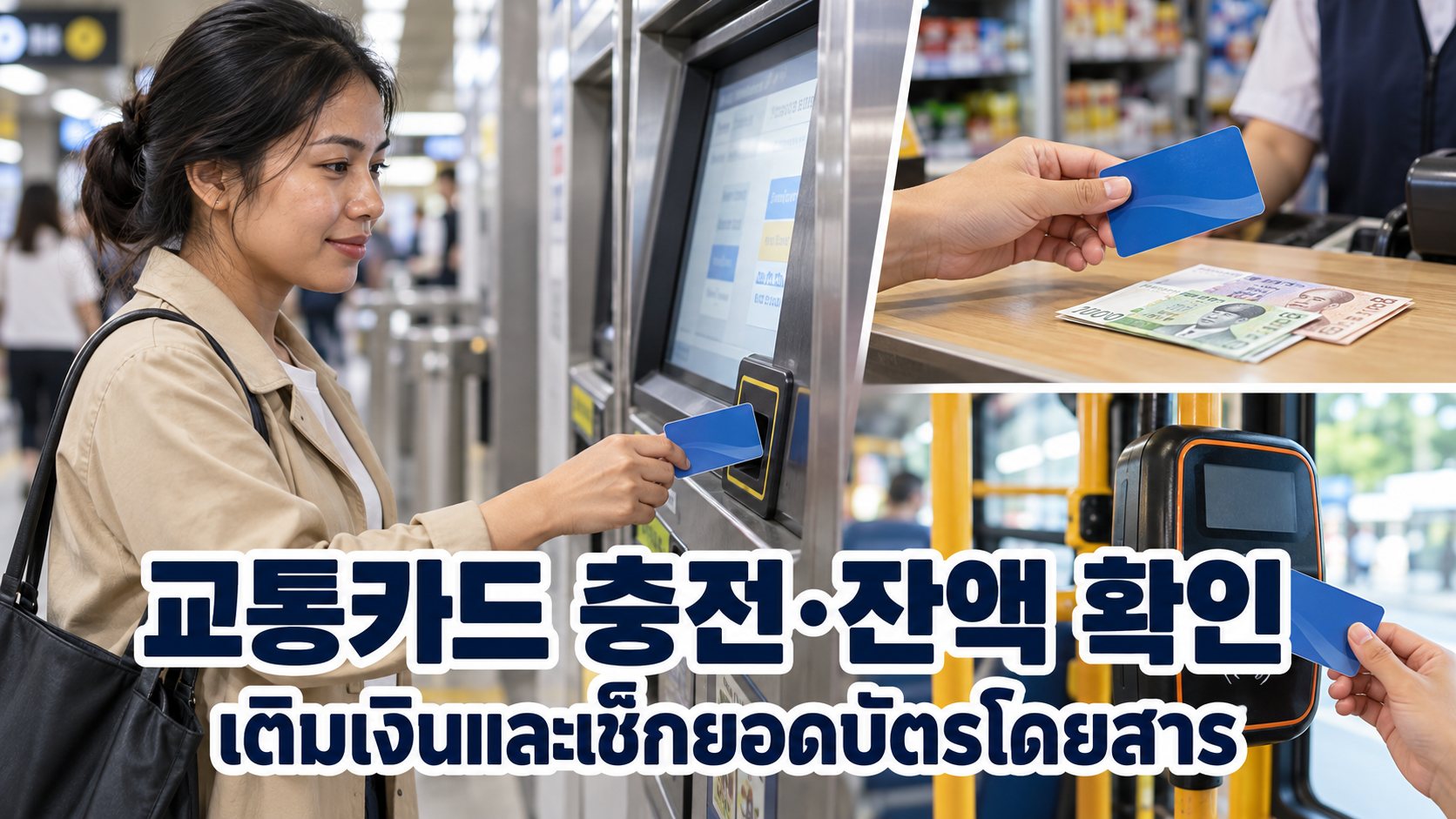
If your transit card balance is too low when you are about to board a bus, you may not be able to top it up at the bus stop. If you are new to Korea, check your card type and balance before travelling and find a nearby top-up location. This guide is for first-time users of ordinary prepaid transit cards that can be topped up at convenience stores or subway stations. Credit or debit cards with a postpaid transit function, and travel passes, may work differently.
1. Check your card type before topping it up
Look for a name such as Tmoney or EZL on the front or back of the card. First, establish whether the card in your wallet is a prepaid transit card or a bank-issued card with a postpaid transit function. A postpaid transit card cannot be topped up in the same way as a prepaid card.
Available services can differ by card product, region and top-up location, even when the cards look similar. Do not assume that a mobile transit card on your phone uses the same top-up method as a physical card. Knowing the name of your card or app makes it easier to ask staff for help or find the right instructions.
- Take one physical transit card out of your wallet and have it ready.
- Check the service name printed on the card.
- Decide how much to add and prepare the cash you will use.
- For your first trip, check whether you only need a top-up or also need to buy a card.
Do not assume that a newly purchased card already contains enough money for travel. Check the card purchase price separately from the top-up amount, and ask how much usable balance is on the card.
2. At a convenience store, check whether your card can be topped up before paying
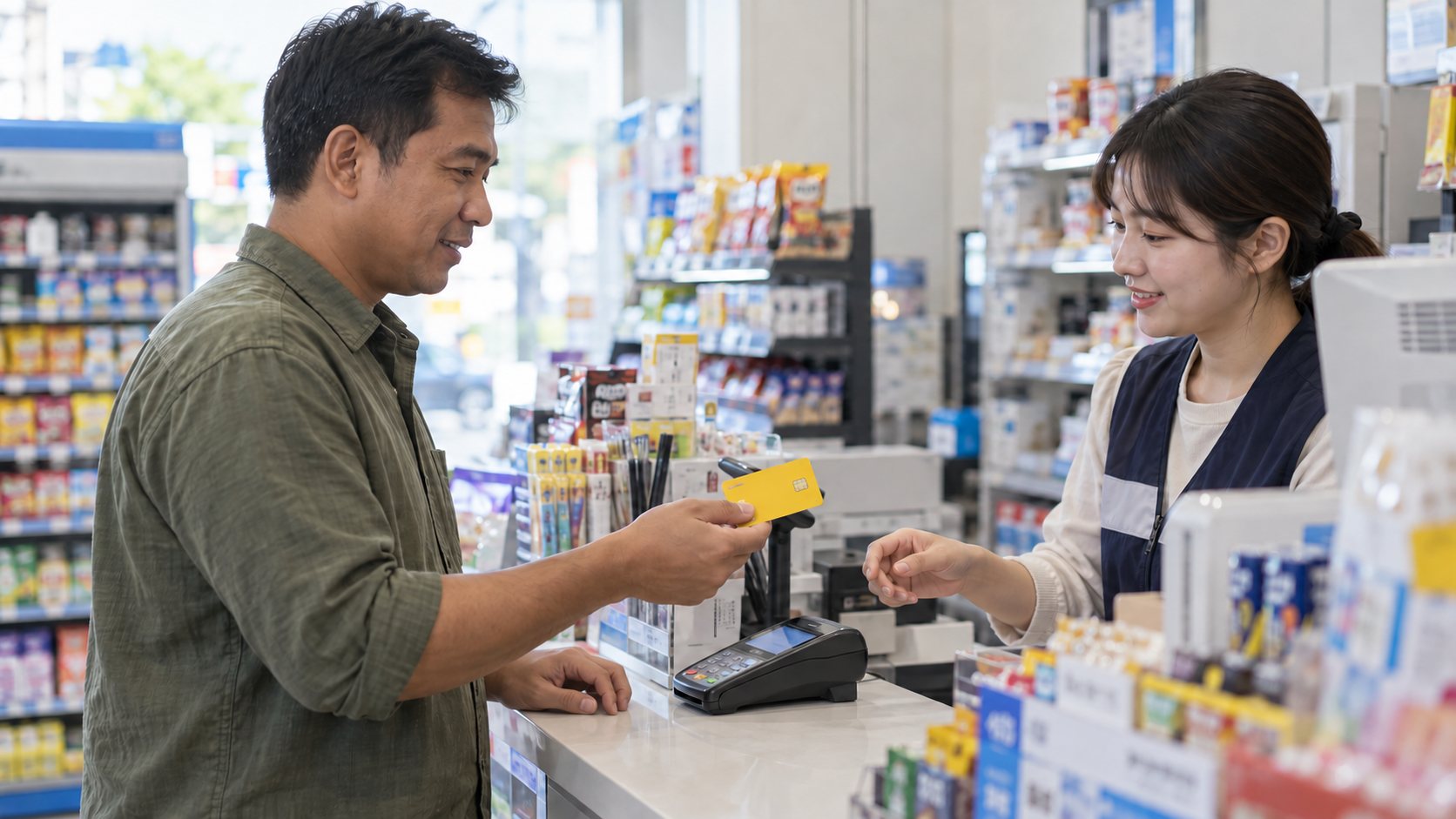
Show your card to the staff and ask whether they can check its balance and top it up. Not every store supports every card type. Confirm the supported cards and payment methods before proceeding to avoid an unnecessary payment.
- Show your card to the staff and ask whether they can top it up.
- Check the current balance and decide how much to add.
- Place one transit card where the staff indicate.
- Confirm the amount and payment method. If paying in cash, give the staff the amount you want to add.
- Collect your card after the staff confirm that the top-up is complete.
- Check the new card balance. If you receive any change, check that amount too.
Do not remove your card while the staff are processing it. If you are unsure whether the top-up went through, check the balance before paying again. If a receipt is available, check the top-up amount and time, and keep it at least until your first journey is over.
If you have not brought cash, ask whether another payment method is accepted for top-ups. Do not assume that a payment card accepted for shopping can also be used to top up your transit card. Check the options for your particular card and top-up service.
Example: if the balance is 2,500 won before the top-up and you add 5,000 won, the balance should be 7,500 won, provided no other payment has been made. These figures are an illustration of the calculation, not a recommended top-up amount or a transit fare. If the balance differs from what you expected, compare it with the top-up amount and payment status first.
3. At a subway station, find a machine that supports transit card top-ups
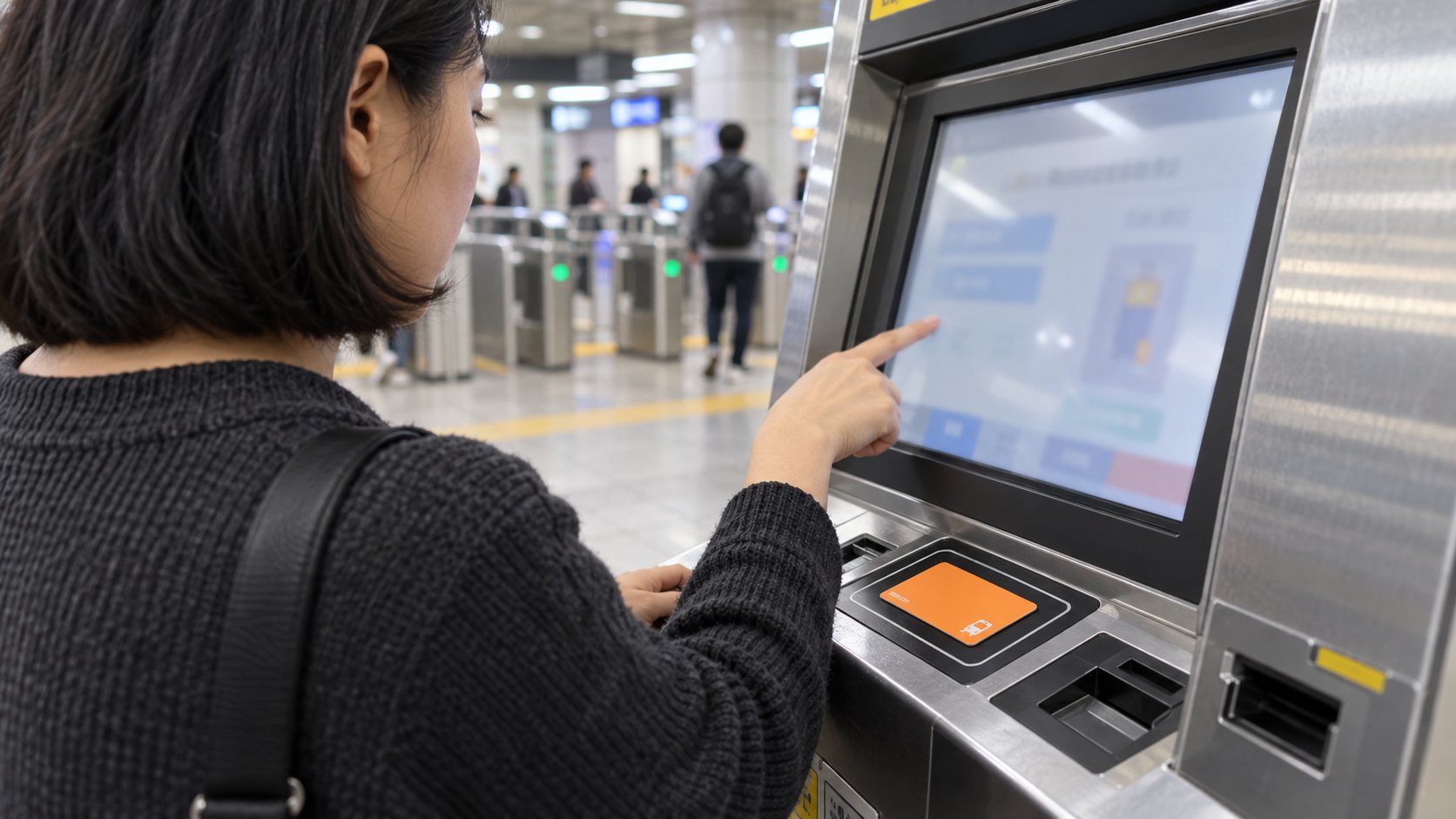
Stations have different machines, including ticket vending machines and deposit refund machines. Look at the screen or signs for a machine with a transit card top-up function. Menus and card placement areas vary, so follow the instructions on that machine. If a language option is available, choose a language you understand.
- Check whether the machine lists the card types it supports for top-ups.
- Place one transit card in the indicated area.
- Check the balance, then select the top-up option and amount.
- Pay using a method shown on the screen.
- Check the completion screen and the new balance.
- Collect your transit card, along with any change and receipt.
Keep the card still while the machine reads or writes its data. If you have inserted money but the screen freezes or you cannot tell whether the top-up is complete, do not repeat the transaction. Ask station staff for help. Tell them which machine you used, the time of the transaction and how much money you inserted.
4. Check your balance before travelling and plan for the return journey
Check whether your top-up location or machine offers a balance enquiry. A bus or subway card reader may show the balance, but it can be difficult to read when you are in a hurry. When travelling somewhere unfamiliar, it is more convenient to check before you leave.
The amount you need may depend on the area, distance, mode of transport and transfers. Do not assume that another person's fare or an old guide applies to your journey; check the official information for your route. Plan for your return journey as well as the outward trip. On the last day of a trip, consider your remaining journeys so that you do not add more money than you need.
If you discover that your balance is too low just before boarding a bus, look for a nearby top-up location rather than rushing to board. Check the information for your route to find out whether on-board top-ups or cash fares are available. It is best to check the local payment arrangements in advance.
With a compatible phone and card, you may also be able to check a physical card's balance using the issuer's app. Tmoney describes a feature in the Tmoney Card menu of its mobile app for reading a physical card, topping it up and checking its balance. Check that your card and phone are supported before using the app.
5. If the card cannot be read, take it out of your wallet and try it on its own
When several cards are in a wallet, the reader may not be able to tell which one you intend to use. Take out only the transit card you want to use, hold it against the reader, and check the sound or message confirming the result. Avoid presenting your physical card and phone to the reader at the same time.
If errors continue, check for insufficient balance, whether the service accepts your card, and the condition of the card, in that order. If the card still cannot be read, stop trying to top up or pay and ask staff for help. Show them the error message or instructions, and check whether any payment has already gone through.
Follow the local transport operator's instructions for tapping your card when boarding and getting off, and for transfers. Using one card for several people, or using different cards when boarding and getting off, may be handled differently. For a first-time user, consistently using your own single card makes the transactions easier to check.
6. Check refund and lost-card arrangements for your particular card
Refund locations and conditions depend on the card type, remaining balance and whether the card can be read normally. Do not assume that the shop where you topped it up will always give a full refund. Lost-card cases differ from refunds made by presenting a working card. Rather than assuming that registering a card guarantees reimbursement of its balance, check the issuer's information for that product or contact its customer service.
Final checks before you leave
- Do you know which type of transit card you use?
- Have you checked the balance yourself after the top-up?
- Have you checked your return transport and where you can top up?
- Have you collected your card and all the change due to you?
- Have you checked the local fares, transfer conditions and instructions for boarding and getting off?
When you are getting used to the card, check these three things each time: the single card you are using, the amount you add, and the balance after completion. Keeping them separate helps you avoid confusing money paid with money actually added to the card.
For travel in rural areas, also see How to use buses and taxis in rural Korea.
Official sources
- EZL official guide — topping up a physical transit card and checking its balance
- Tmoney official guide — prepaid and postpaid services, physical card top-ups and balance enquiries
Official sources checked: 2026-10-27. Ask the staff at the store or station you visit whether your transit card can be topped up there and how to use it. The images are AI-generated illustrations, not photographs of a specific user or an actual transaction.