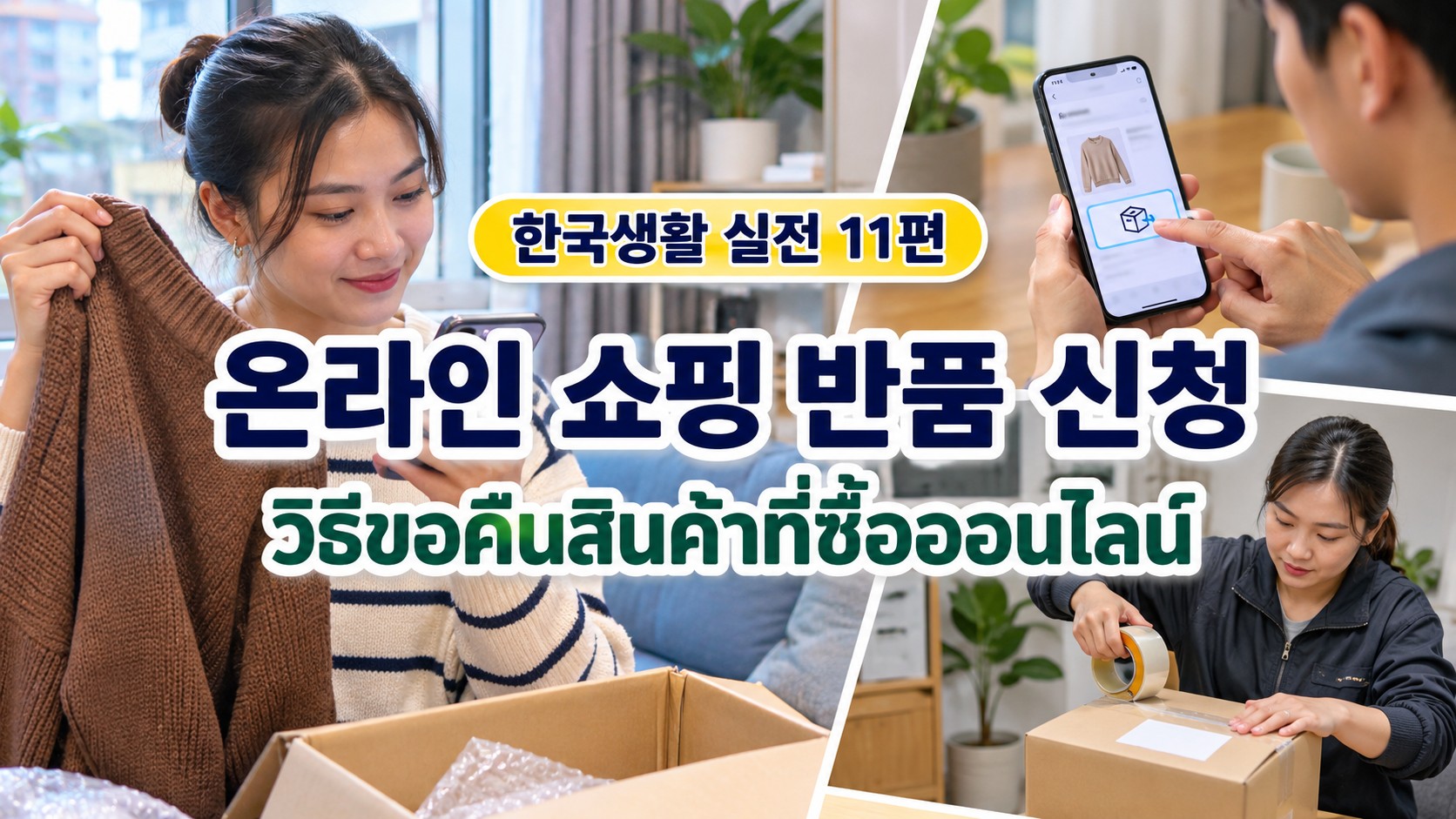
If you order clothes in Korea through an online shopping mall or mobile phone shopping app and you receive items that are the wrong size or are different from what you ordered, you should immediately check your order details before throwing away the box or handing the items over to the delivery driver. Request for return, collect delivery, check product from seller, process refundare different steps. Clicking the return request button does not mean that the returned item will be automatically collected or the payment amount will be returned immediately. This article is based on general domestic online product purchases in Korea, and different conditions may apply for overseas direct purchases, second-hand transactions between individuals, reservation services, and downloaded content.
First, check your order information and product status side by side
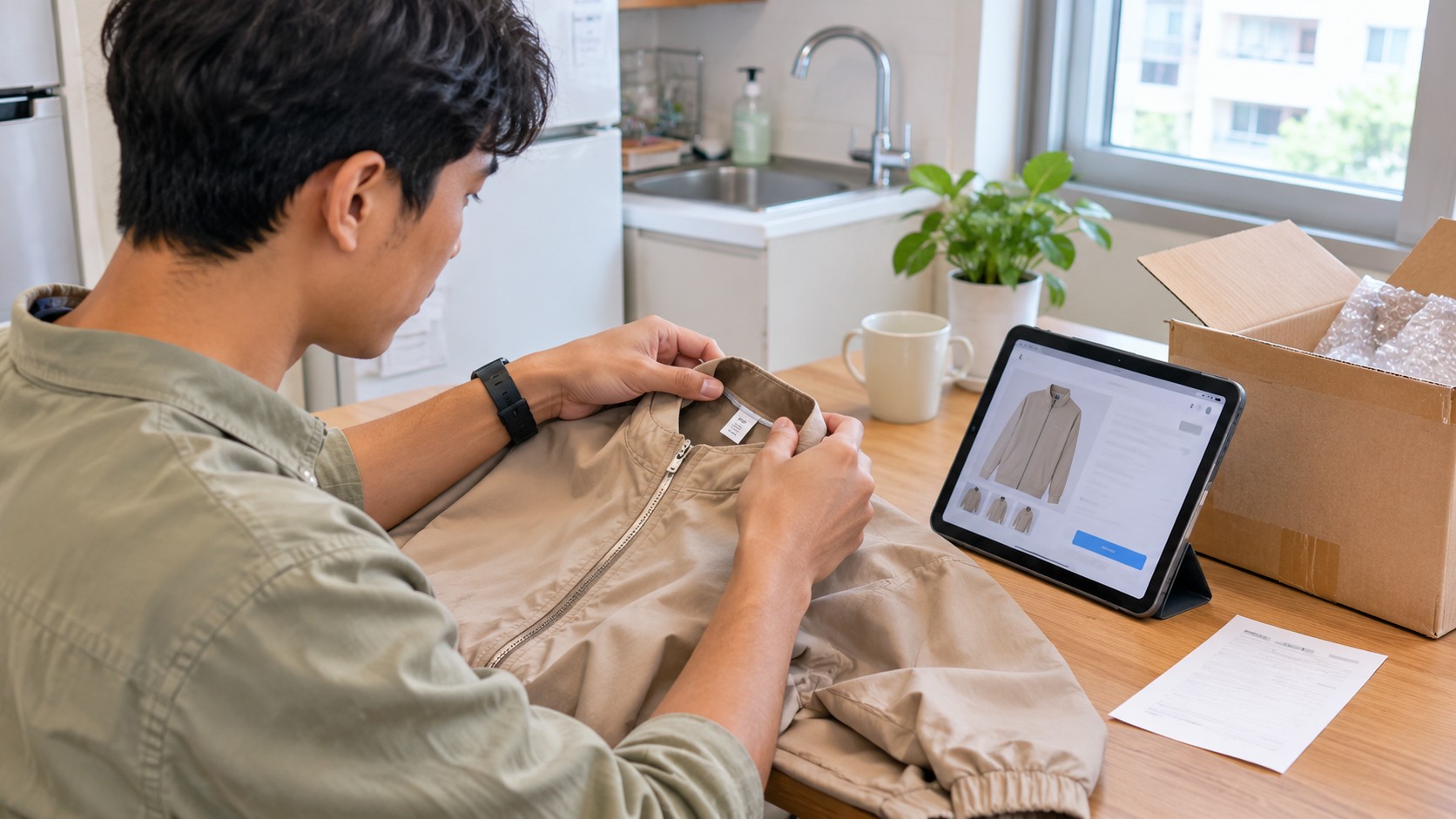
Open the shopping app you ordered with the product you want to return, and check the order history to check the product name, order number, options, payment amount, and date you actually received the product. Photos and the selected color, size, and quantity may appear on the app's product screen. Compare the actual items arrived with the options listed on the screen. If you purchased multiple items in one order, you must first select exactly which item you are returning.
Please record whether it is a simple change of mind due to dissatisfaction with the size of the clothes, a misdelivery of a different color or size, or a defect in the product being damaged. In the event of an incorrect delivery or damaged item, taking well-lit photos of the product and packaging and keeping the product label and order information available will help you explain the situation to the seller. When taking photos, be careful not to reveal your actual name and address on the invoice to the outside world.
Distinguish between returnable periods and exceptions first.
Article 17 of the Act on Consumer Protection in Electronic Commerce, etc., confirmed by the National Legislation Information Center, sets the basic subscription withdrawal period. Consumers of general domestic mail order services can cancel their subscription within 7 days from the date of receiving written notice regarding the contract details. If the product is supplied later than written, the period may be 7 days from the date of receipt of the product. This does not mean that all items can be returned for 7 days, no questions asked. The law also includes exceptions, such as cases where the value of the product has significantly decreased due to use, and provisions regarding prior notice by the business operator.
For example, the judgment may differ if you only check the color or size of the product when you receive it, and if the value of the product has decreased significantly because it has been worn or washed several times. Not all cancellations are prohibited simply because the package was opened to check the contents. In particular, for sanitary products, custom-made products, digital content, etc., you must check the detailed conditions according to the product type and notification/provision status. If you are not sure whether a return is possible, do not use or throw away the product, but first check the limit information and seller's explanation on the application screen.
If the product is supplied differently from the contents of the label or advertisement or the contract, Article 17, Paragraph 3 of the Act provides for cancellation of subscription that can be exercised within 3 months from the date of supply of the product. You must also review the requirement of within 30 days from the date you knew or could have known that it was different from the contract. Applicability of this must also be checked based on individual transactions and evidence, and not all returns are automatically approved just because it is defective.
Procedure for requesting a return in the shopping app
- Log in to the shopping app with the account you made the purchase Order HistorySelect the product you wish to return. If you don't see your order history, first check if you purchased with a different account or if it was a non-member order.
- of product details Request for return/exchange Or find a similar menu. You may be able to cancel your order if it has not yet been shipped, but after shipping, a separate return procedure may be displayed.
- Choose a real reason. Please select the actual situation accurately, such as simple change of mind if you change your mind or choose the wrong size, misdelivery if the product arrives different from what you ordered, defective if there is a problem with the product, etc.
- If a photo or description is needed, please note your ordering options and the part in question. Please do not attach any personal ID photos that are unrelated to the product or delivery address.
- After requesting delivery recovery, check the in-person collection date, return address, and whether you will bear the estimated shipping cost, submit the application. Make sure the return receipt number and actual condition are displayed after submission.
The button names and order are different for each app, and the seller may provide direct instructions on how to return the item. If you arbitrarily send the product to the nearest courier company because there is no courier collection reservation on the return application screen, problems may arise such as the product not being received properly or the return address changing. Please check the specified return procedure and address first.
What are the criteria for determining shipping costs and refunds?
Shipping costs may be assessed differently for simple change of mind returns and returns of products that were incorrectly delivered or different from the contract. You must check the return cost principles and applicable transaction conditions in accordance with Article 18 of the Act, and check whether the shipping cost, additional shipping cost, or free shipping conditions displayed on the seller or shopping app are changed before applying. Even if you received a product with free shipping, if the order amount is lower than certain conditions after returning the product, the refund details may vary depending on the seller's policy and actual transaction conditions. Please do not assume that the same round-trip shipping cost applies to all orders.
For example, if the buyer is responsible for paying shipping costs when returning the product due to a change of mind, check whether the seller confirms and informs you of the actual cost. Verify that the final refund amount is equal to the product price, which reflects return shipping costs and reasonable adjustments confirmed with the seller. If the shipping cost is not set, do not estimate an arbitrary amount and subtract it. Please check the final refund amount using the app's return processing history and actual payment cancellation record.
Prepare for box packaging and delivery collection as follows:
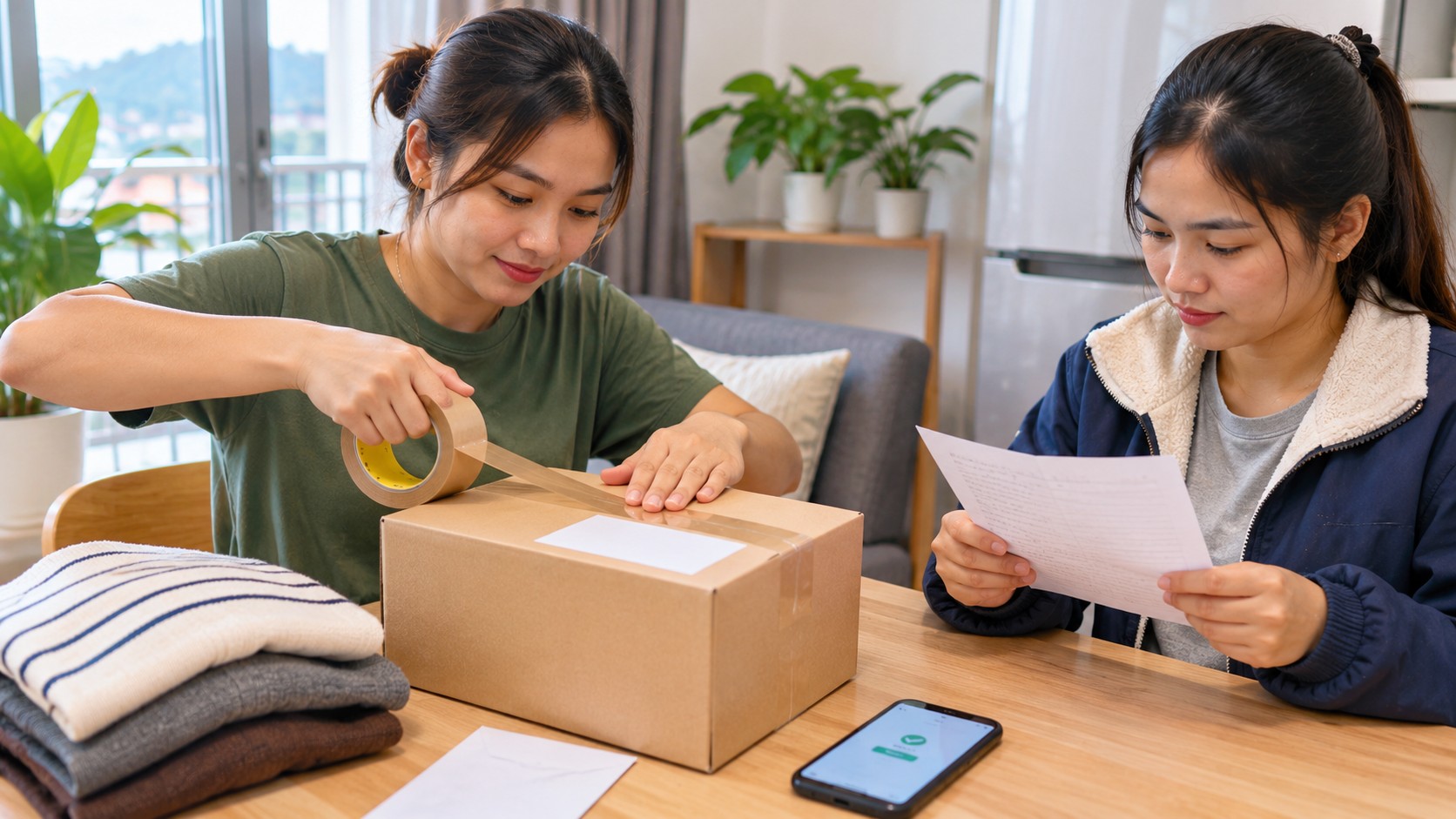
When a return is received, we will prepare the product, original included components, free gifts and packaging materials if necessary according to the seller's instructions. Pack the product safely to avoid damaging it, and dispose of old invoices left in the box so that personal information is not revealed. Follow the instructions to see if you need to attach a new invoice and if there is a number to forward to the courier. When choosing a collection location in the shopping app, choose the entrance of your accommodation or a location confirmed with your manager where you can actually leave the package.
In dormitories or accommodations where many people live, if you leave your package anywhere, it may get mixed up with other people's belongings. Check with the management of your shared accommodation to find out where and when collection is possible. Even if you have made a reservation for a delivery driver to visit, you must separately check whether the product has actually been delivered to the driver and whether a record of collection completion has been left. If you only have a reservation and the item has not yet been collected, do not assume your return has been processed.
After the return is collected, check for a refund separately.
Once the box is collected, check the delivery status if there is a tracking number, and check whether the return status in the shopping app changes to ‘Collected Completed’, ‘Arrived at Seller’, or ‘Refund Processed’. This status name varies from mall to mall. Article 18 of the Act sets forth refund obligations and periods after returning applicable products, but the actual payment card/easy payment/account reflection timing may appear different depending on the payment method. Even if the seller notifies you that a refund has been processed, check whether the cancellation or deposit was made in the card app or actual payment history.
If a refund is not processed after collection, we will collect the order number, return receipt number, delivery tracking number, messages exchanged with the seller, and product photos and contact the seller through the official inquiry screen. Also record the date the item was delivered to the delivery driver and the date marked as complete for collection in the app. If the seller says ‘the product has not been received,’ the delivery will first be reviewed by tracking the waybill and confirming with the courier company.
If the return is rejected or contact cannot be made
When you receive a return rejection message, first check what reason the seller provided, and check whether the reason you requested matches the actual product condition and legal exceptions. When there is a dispute with the seller, it is better to not just rely on phone calls but also leave an official message or inquiry record on the order screen. Be clear about whether the product is unused, incorrectly delivered, and whether you want an exchange or refund.
Consumer issues that are difficult to resolve with business operators 1372 Consumer Counseling Center or Korea Consumer AgencyYou can check the official consultation instructions. Consultation or damage relief procedures do not guarantee the outcome of all disputes, and language support and available application methods must be confirmed directly upon use. Do not disclose your personal account password or text authentication number to anyone pretending to be a seller, delivery person, or customer service representative.
One last thing to check before requesting a return
- Did you compare the actual ordered product with the arrived product, and did you select the correct reason for return?
- Have you checked for exceptions based on product receipt date, application period, and usage/packaging condition?
- Have you confirmed return shipping costs and expected refund amount?
- Have you differentiated between courier pickup reservations and actual delivery of items?
- Have you stored the return receipt number, tracking number, and product photo in a safe place?
- Have you confirmed the completion of the shopping app refund and the actual cancellation/deposit of the payment method?
If you are confused about the address when receiving or sending a package from your accommodation Practical Life in Korea Part 1 — How to write a delivery address and the confirmation procedure after delivery is completedPlease also refer to: This helps reduce problems when the address/collection location is incorrect.
Official data and confirmation date (2026-11-03): National Legislation Information Center — Article 17 of the Electronic Commerce Act (Withdrawal of subscription, etc.), National Legislation Information Center — Article 18 of the Electronic Commerce Act (Effect of cancellation of subscription, etc.), Korea Consumer Agency, 1372 Consumer Counseling Center. Please check the contents of the law and the actual screen of the shopping app and return method at the time of transaction. This article is general lifestyle information and does not replace legal judgment in individual disputes.