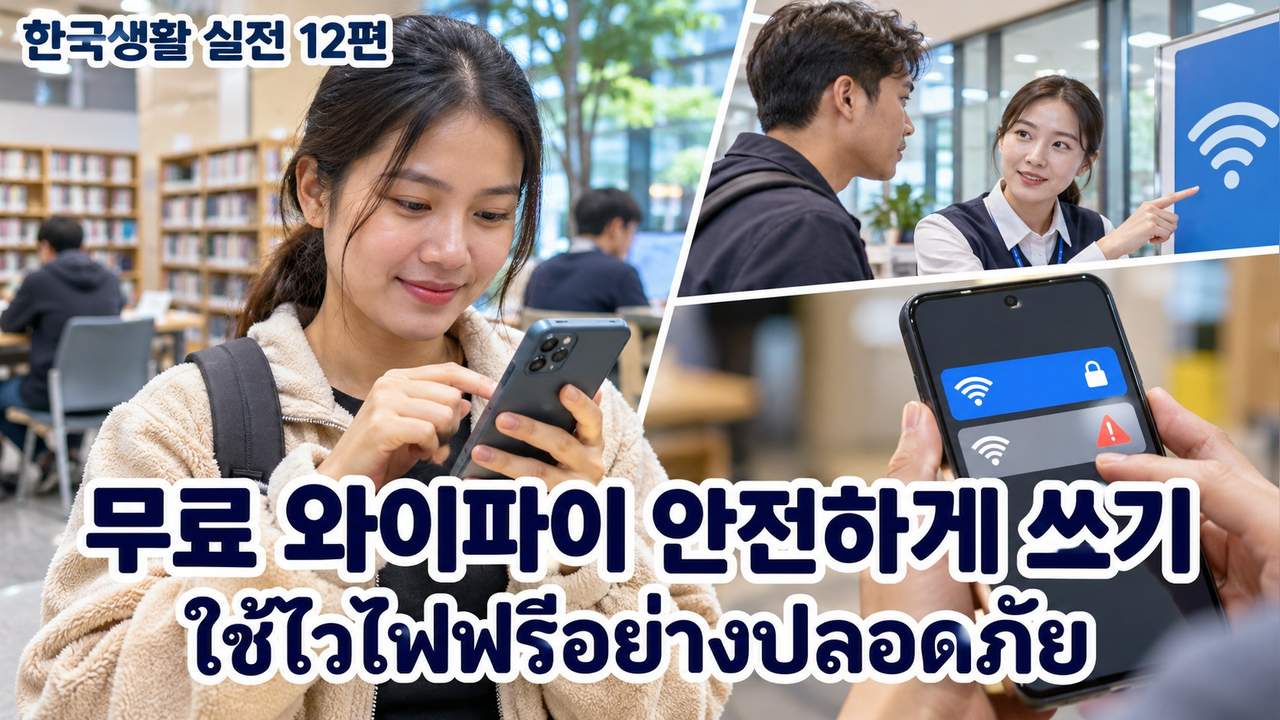
If you are new to Korea and want to use a map or translation app, your phone may not have enough mobile data. Places used by many people, such as community centers, libraries, parks, markets, and bus stops, may provide free public Wi-Fi. However, you should not trust and connect just because a free-looking wireless internet name appears on your cell phone screen. First, you must check the exact network name provided by the operating agency, select a secure connection if possible, and even check the automatic connection settings after completing use.
This article describes a common situation where you use the Internet with your smartphone in a place where public Wi-Fi is actually available. The method of use may be different for the accommodation owner's personal router, the cafe's own Wi-Fi, and the wireless network exclusive to telecommunication company subscribers. In particular, not all regions in Korea use the same network name and password.
Prepare before connecting
Make sure you can open the Wi-Fi settings on your phone, and keep your phone's operating system up to date with security updates whenever possible. It is helpful to write down the addresses or contact information of places where the Internet is essential while you still have mobile data remaining. It would be good if you could check the network name on a public Wi-Fi information sign or on the official website of the operating organization. Do not use unfamiliar links or installation files in text messages sent by someone.
When finding public Wi-Fi locations, use the official Public Wi-Fi service websiteYou can refer to: If you use it in Seoul Information on public Wi-Fi in SeoulSee also. Where the Service is installed, whether it is connected, and signal strength will vary depending on where and when you install it.
1. Distinguish the free Wi-Fi name first
When you turn on wireless Internet or Wi-Fi in your phone settings, nearby network names will appear. According to the nationwide public Wi-Fi service guide, the general connection name is Public WiFi Free, the security connection name is Public WiFi SecureIt is. The Wi-Fi provided by Seoul City is general access. SEOUL, secure access SEOUL_SecureUse . These names are service-specific examples, so you should first check the signage against your current operator information.
Even if the name is similar, if the spelling is one letter different or random numbers or symbols are added, it may be a wireless network created by someone else. When you are in a cafe or small store, be sure to distinguish between the store's official information and information. If you have a situation where you need to use a name that is not on the notice, ask a representative for the name of the actual network you provide before connecting. The operator cannot be identified solely by the lock icon displayed on the smartphone.
2. If possible, use a secure connection
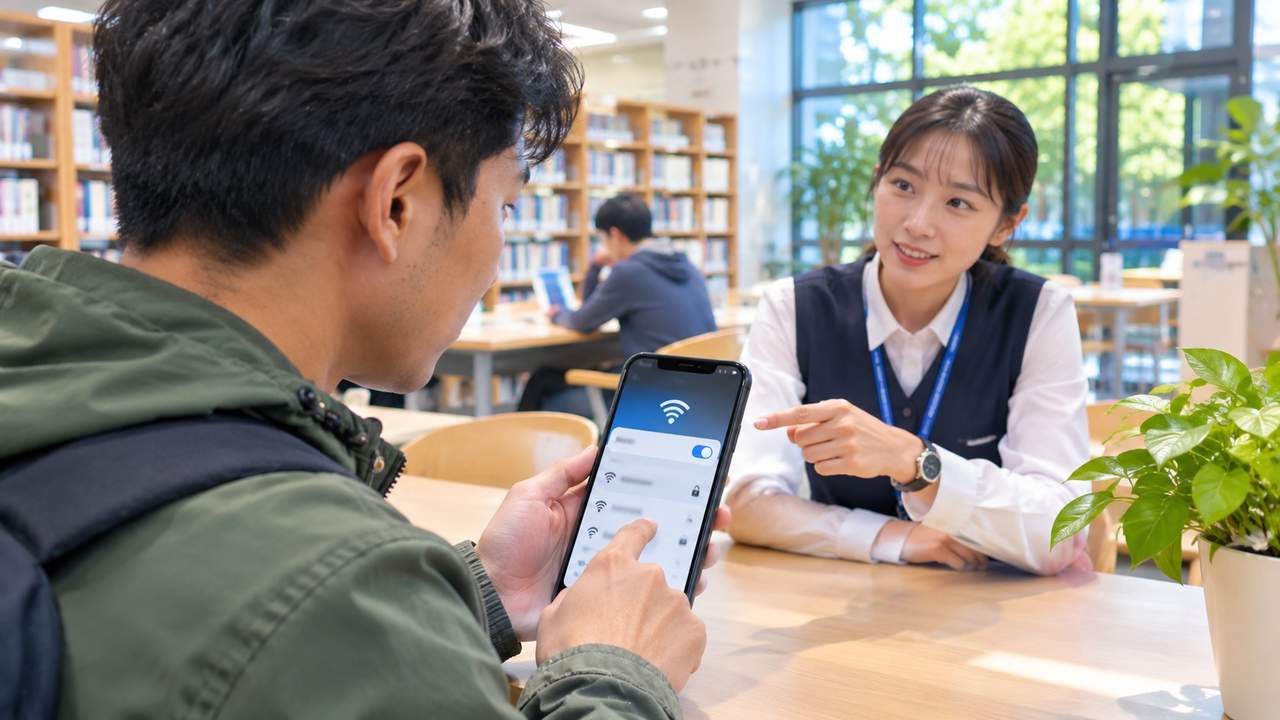
The official guide to public Wi-Fi is Secure Access. Public WiFi SecureSelect and enter your user name and password respectively. wifiWe will guide you through how to input. Seoul city SEOUL_Secureare the username and password respectively. seoulYou will be guided through the input method. Additional settings screens or certificate-related items may appear differently depending on the smartphone model and operating system. If the official instructions and settings screen are different, do not guess and lower your security settings, but check the latest explanation from the operating organization.
A secure connection helps protect communications between your phone and wireless access device. However, not every site you open on the Internet is safe. Damage may occur separately through fake login sites, phishing texts, or malicious apps. While using public Wi-Fi, it is safer to avoid sensitive tasks such as changing bank passwords or uploading important identity information as much as possible and use a trusted private network.
There are places where the secure access name is not visible. At this time, general access Public WiFi FreeIf you choose, you may need to open a consent or connection screen in your Internet browser. According to the official instructions, for general connection, click 'Use public Wi-Fi' on the screen to connect. If you are suddenly asked for your account password, a full photo of your alien registration card, or a text authentication number to check your Internet connection, stop the process and check first with the person providing the information.
3. If the Internet does not work even when connected
Internet pages may not open even if the Wi-Fi icon is displayed. First, make sure that the place where you want to use the Internet is in an official service area. Even if you have a wireless signal in one location, the quality of the connection decreases the further away you are from the access device, such as inside a building or outside a doorway. In a safe space, move slightly toward the access device and check again.
In the case of general access, the Internet may not work because you do not open the web browser and press the use button on the official access screen. If you've already connected and it doesn't work, try turning your phone's Wi-Fi off and on, and then reselect the network you're currently connected to. Some public Wi-Fi connections may disconnect after a certain period of time and require reconnection. Official public Wi-Fi frequently asked questions: Public WiFi FreeIt is informed that the connection duration is limited to 1 hour at a time. This does not mean that the same times apply to other Wi-Fi services.
It could be an operational outage or facility failure. If someone nearby's cell phone doesn't connect in the same location, don't assume it's a problem with your plan or cell phone. Please check notices or on-site guidance from the operating organization. If you're running low on data, it's a good idea to also check your phone's mobile data usage as there may be a brief connection loss that uses your mobile data.
4. How to protect your personal information and phone
When using public Wi-Fi, make sure the address bar is the correct official service address, and do not enter your password on a page that your browser warns you is a dangerous connection. If your device is set up to share photos and files, check to make sure they are not automatically shared with strangers. Update your phone's operating system and apps through official, trusted app markets or through device settings. If someone who offers to connect to Wi-Fi sends you an installation file or asks you to install a remote control app, don't do so right away.
Save the name of your public Wi-Fi so your phone can automatically connect the next time it appears. After you're done traveling, it may be helpful to turn off 'Automatically connect' to public networks you're not using or delete them in your settings. The menu name varies depending on the smartphone, but you can usually check it by opening the details of the network you are connected to in Wi-Fi settings.
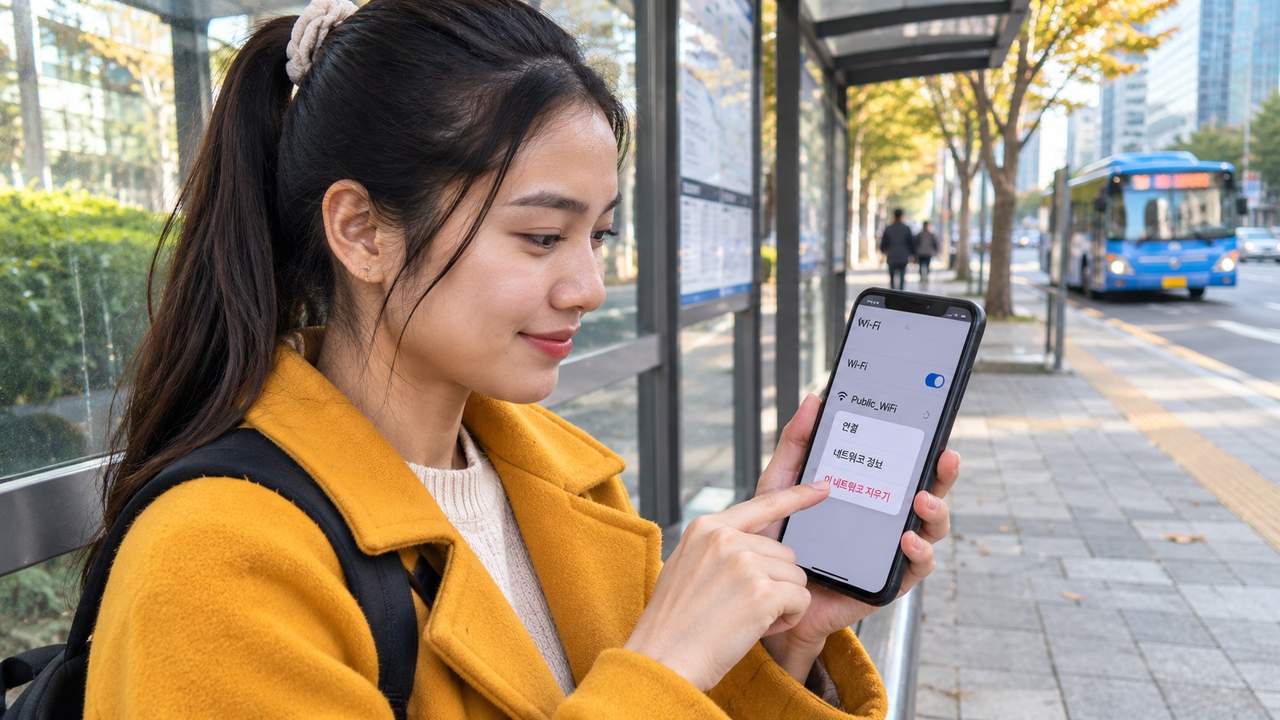
For example, if you checked maps on public Wi-Fi at the library and then boarded the bus, you can make sure your phone isn't automatically connecting to a public network when it's no longer needed. There is no need to disclose your authentication number or password to others just because you do not have enough data. If you lose your phone, you not only need to check your Wi-Fi, but you also need to protect your account and payment methods. Life in Korea Episode 10 — How to find your wallet or cell phone when you lose itPlease refer to .
Final check: check four things
- Did you check the actual network name on the official public Wi-Fi guide or on-site signage?
- In places where secure access was available, did you give priority to secure access over regular access?
- Have you checked that the connection screen does not require unnecessary passwords, personal information, or app installation?
- Have you checked whether or not it automatically connects to public Wi-Fi that you no longer need after using it?
Official data confirmation date: 2026-11-04. Public WiFi official FAQ (secure connection, connection time, problem solving), Information on public Wi-Fi security access, Guide to using free Wi-Fi in Seoul, Korea Internet & Security Agency information protection information. The access screen and provision method may vary depending on the site, mobile phone, and region, so give priority to guidance from the actual operating organization.